SignalForge · Onboarding
From a request to a running environment.
Every screen below is real, on seeded data: this site, our admin app and your customer portal, with who does what at each step.
- You, on kajilabs.ai
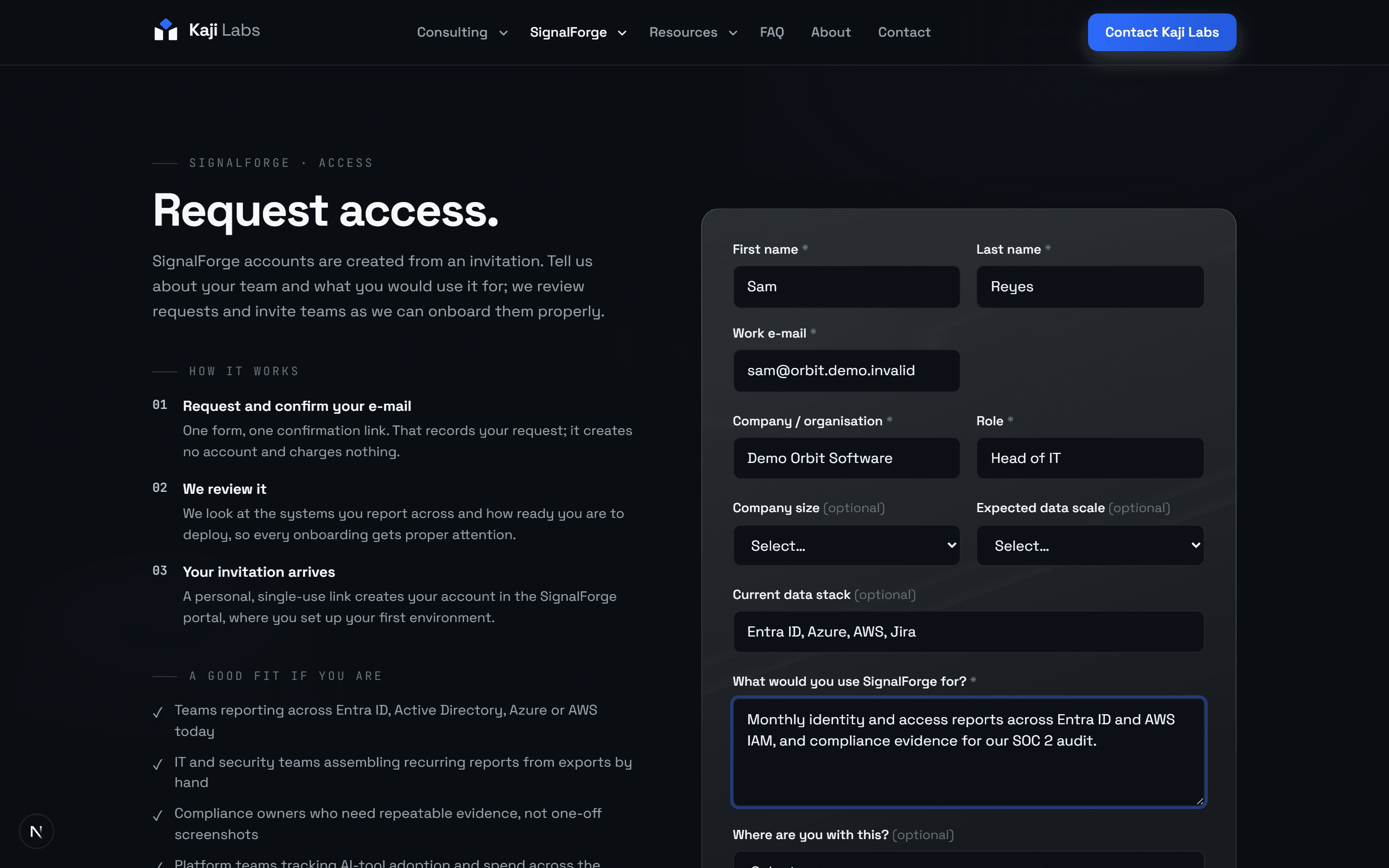
Request access
A few details about your team and what you would use SignalForge for.
- Kaji Labs, in the admin app
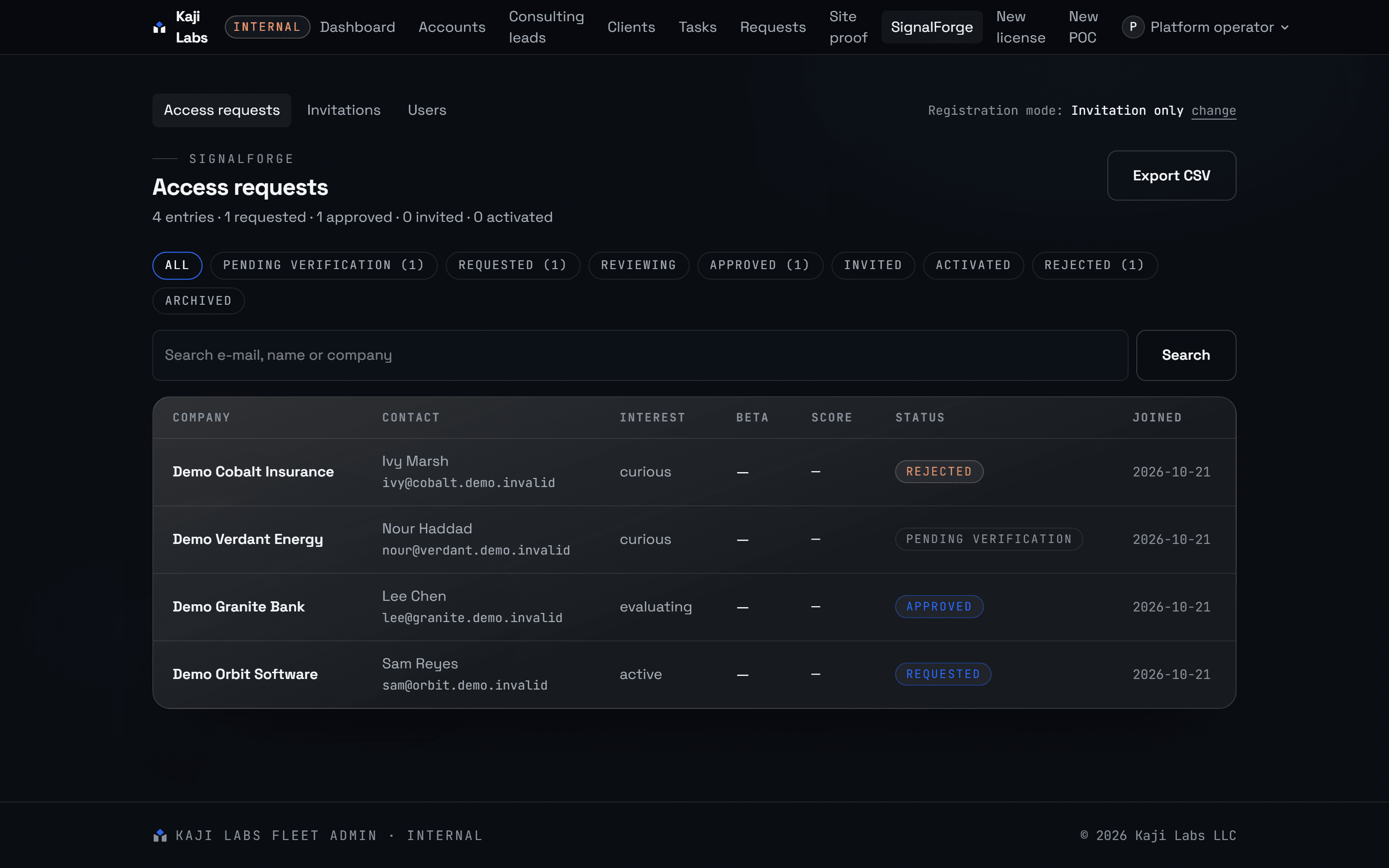
We review the request
Requests are reviewed by a person, in order, against what we can onboard well.
- Kaji Labs, in the admin app
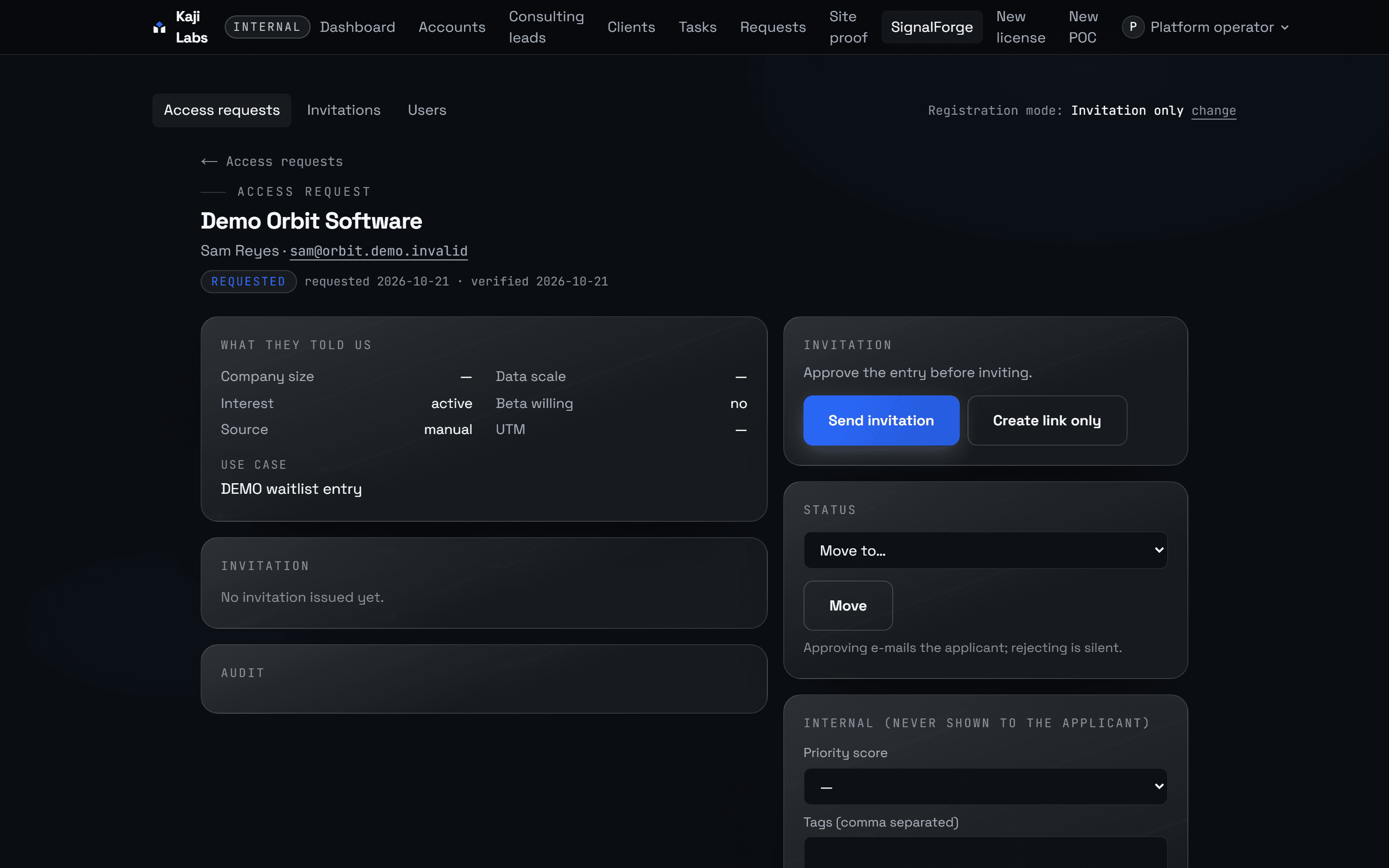
Approve and invite
Approval sends a personal, time-limited invitation that creates the account.
- You, in the customer portal
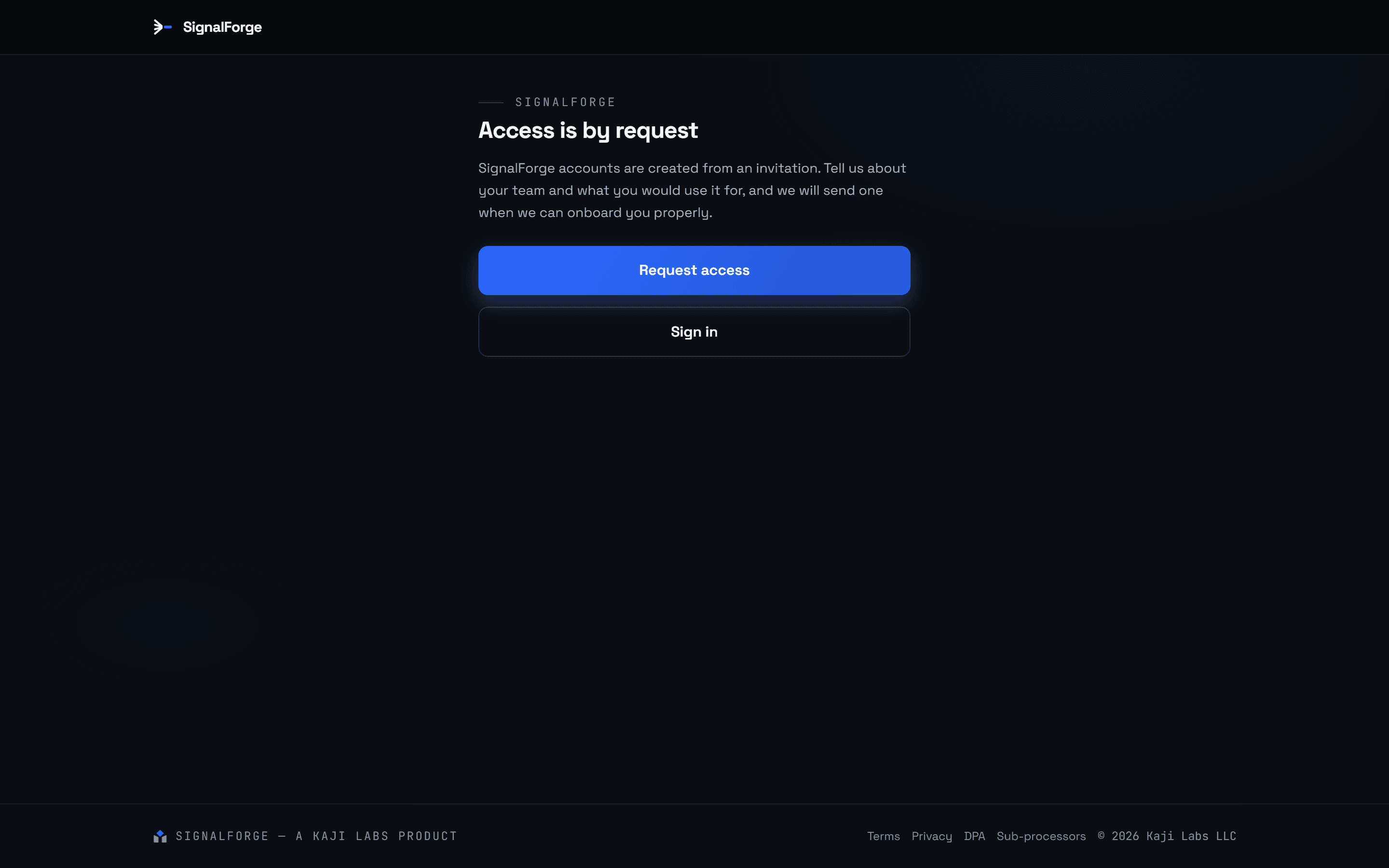
Create the account
The invitation link opens the portal; the account is yours from here.
- You, in the customer portal
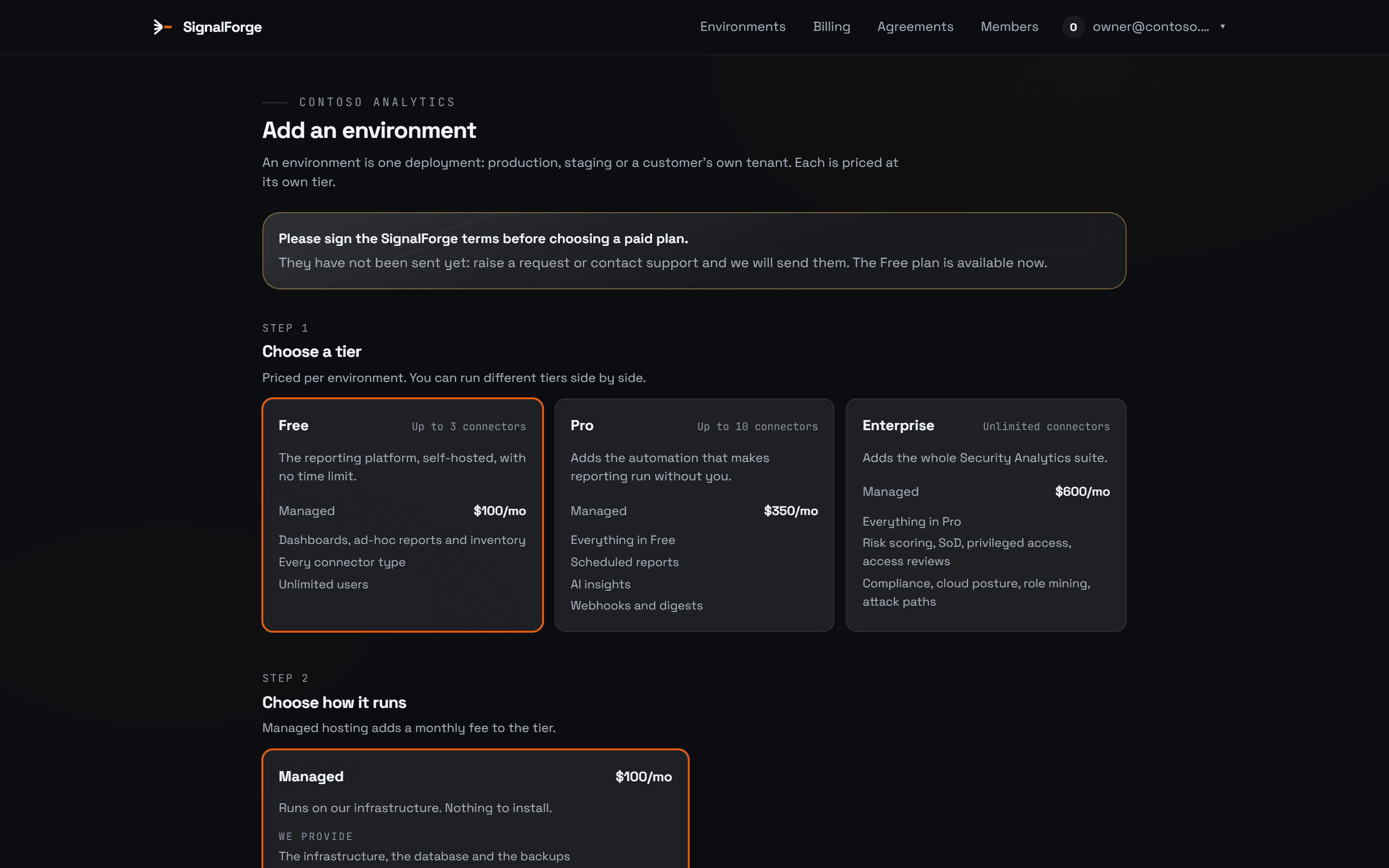
Choose a plan per environment
Priced per environment, run by Kaji Labs; nothing is charged until you choose a paid plan.
- Kaji Labs, in the admin app
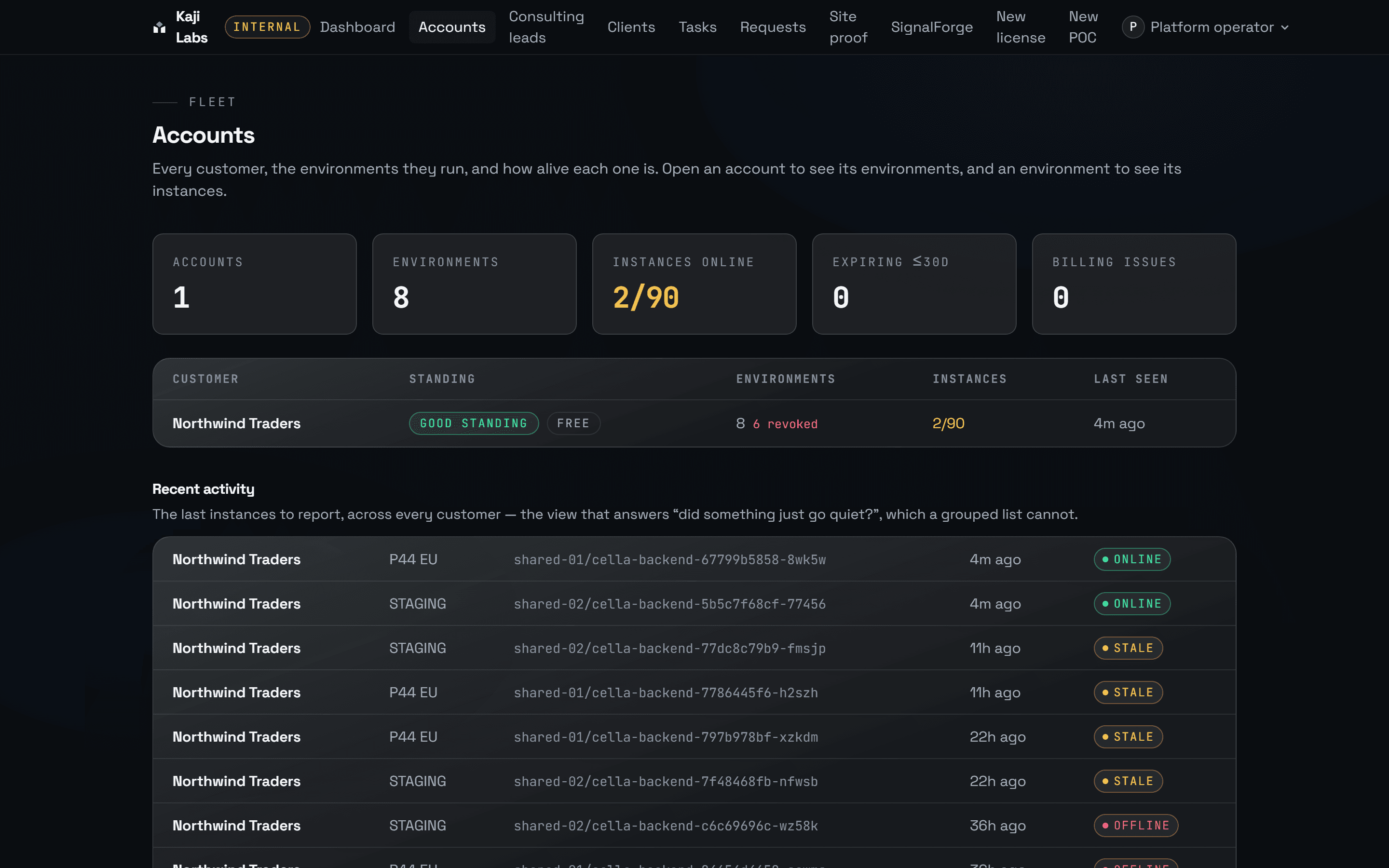
We provision and watch it
Every environment reports in; the fleet view shows what went quiet.
- You, in the customer portal
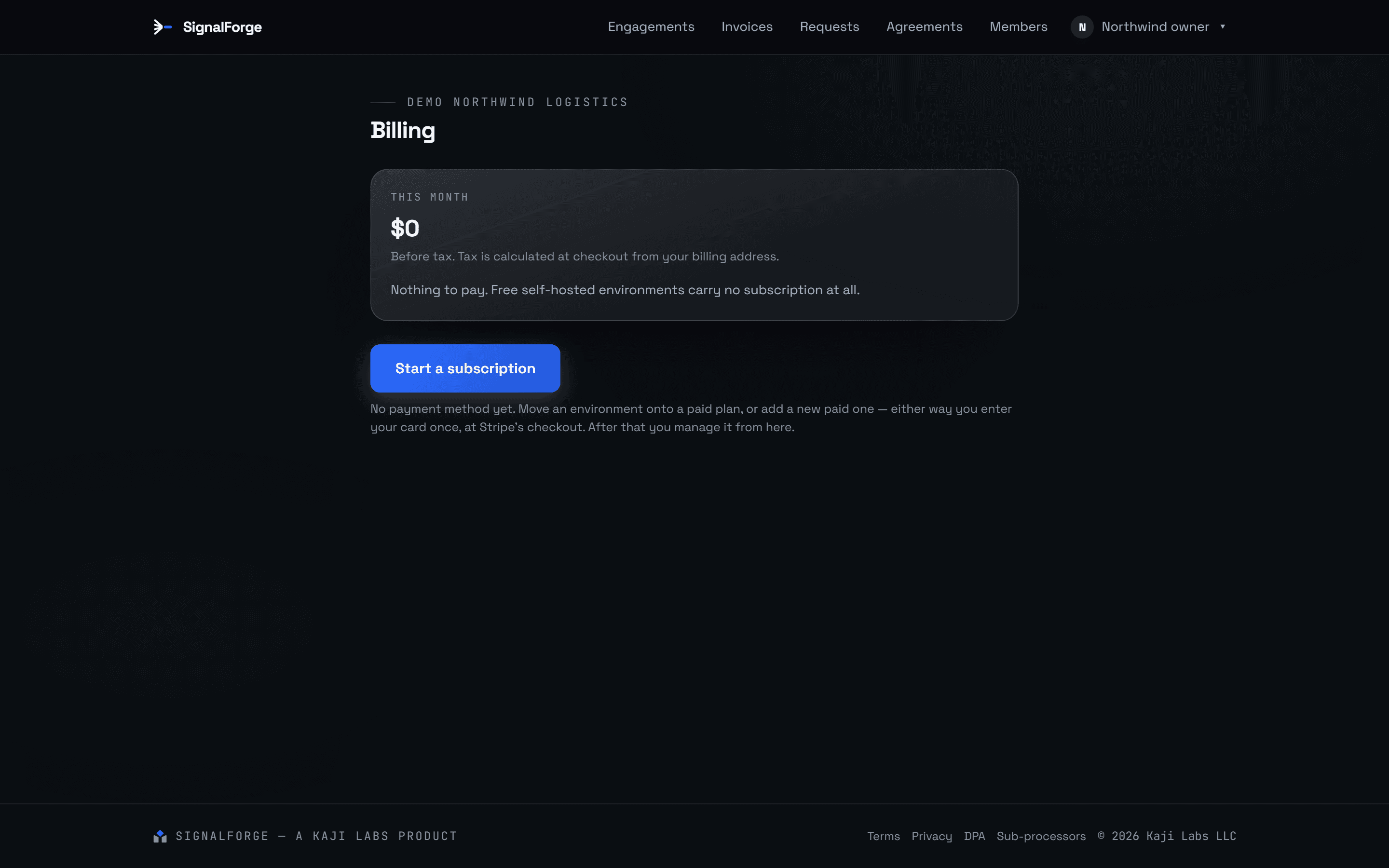
Billing stays in the portal
One card, entered once at Stripe's checkout; managed from the portal afterwards.
Where this is today
People first, then the portal.
Kaji Labs runs SignalForge for every customer. For now, a person does with you the steps the portal will automate next.
Today
- A person reads your request and replies by e-mail, usually within two working days.
- We set the environment up and send you its address and sign-in.
- Billing is agreed with you directly. Nothing is charged until you choose a paid plan.
Next
- A confirmation e-mail and a time-limited invitation link create your portal account.
- You choose a plan per environment in the portal and watch it provision.
- One card at Stripe's checkout; invoices and plan changes in the portal.
Ready to start?
Request access and we will review it and send an invitation.